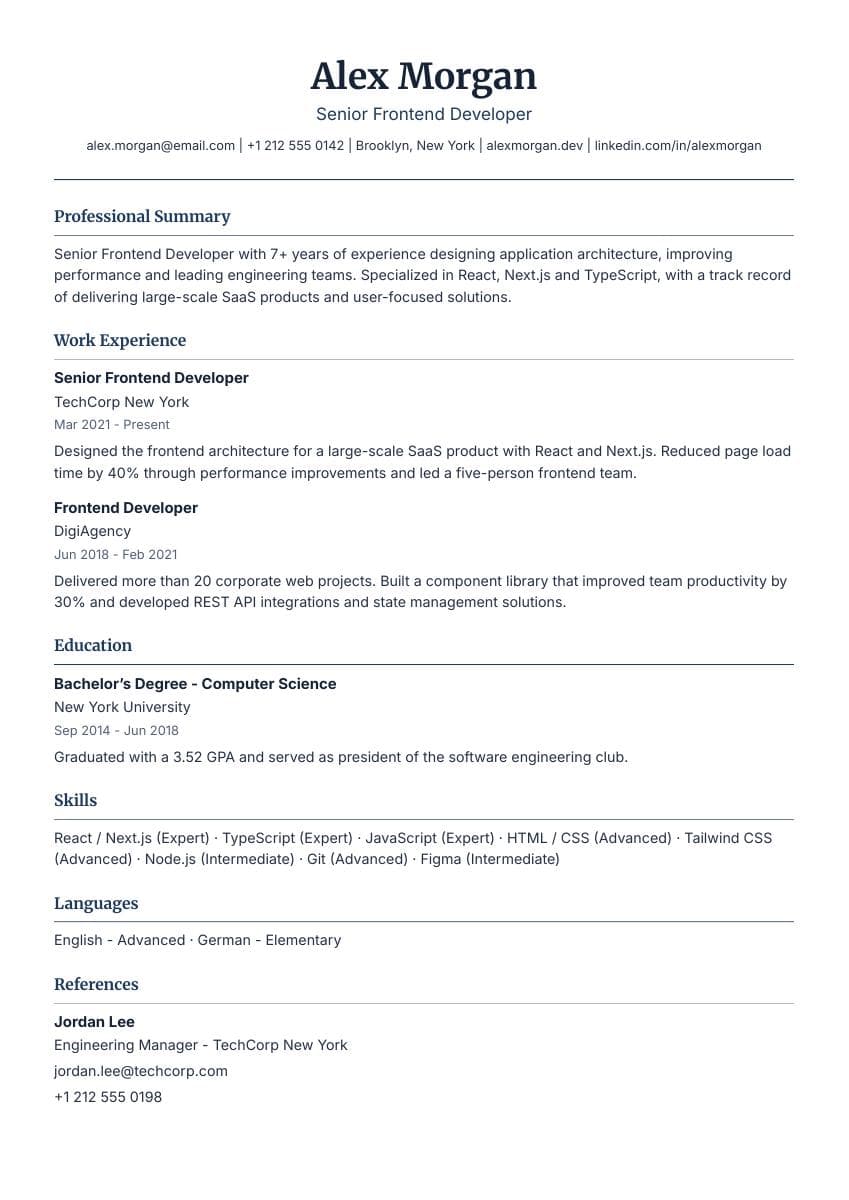
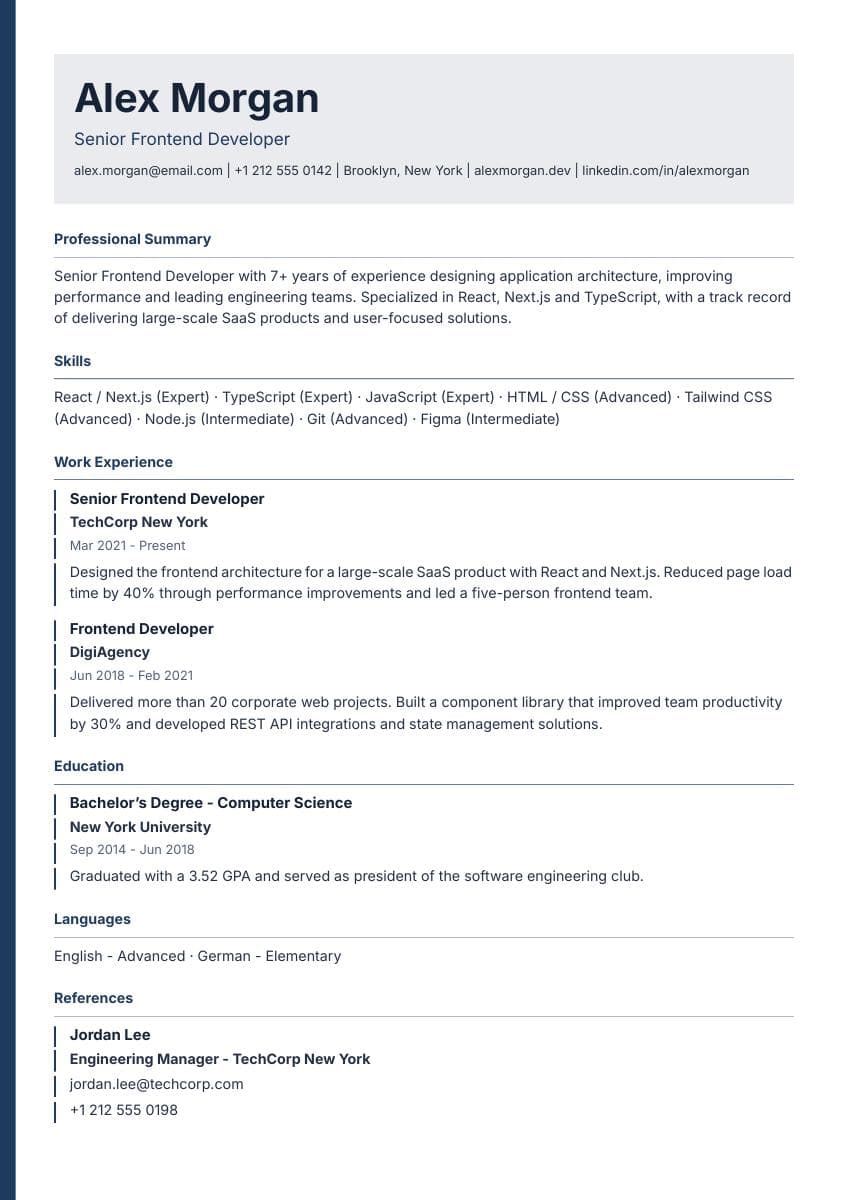
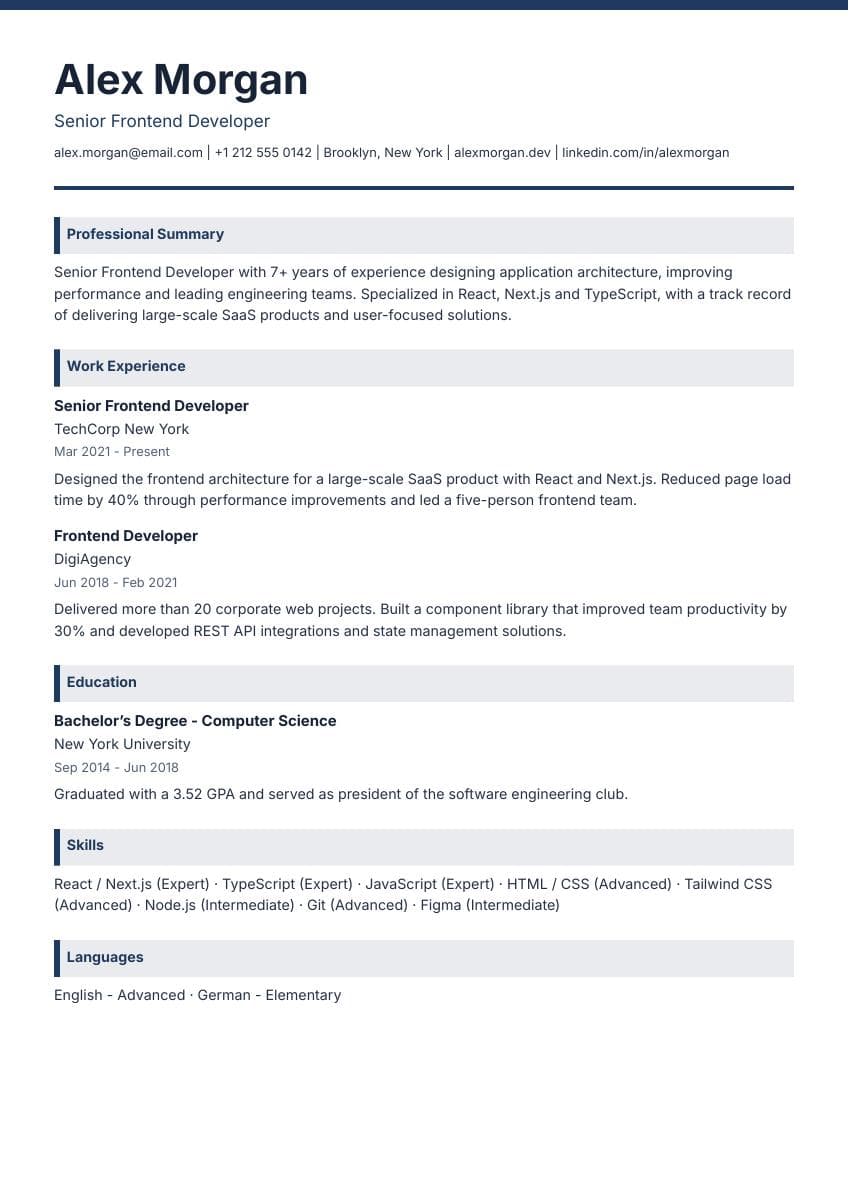
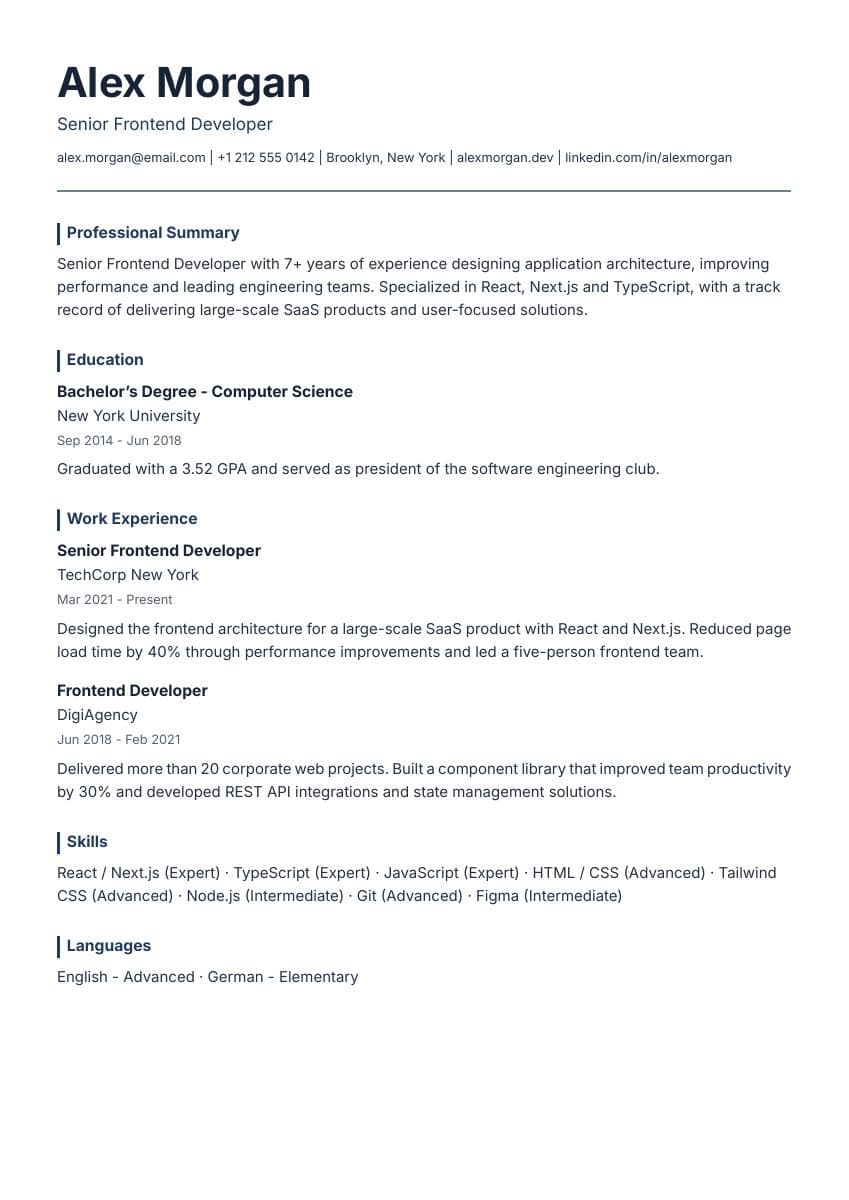
What should your resume include?
Start with contact details, a short professional summary, experience, education and relevant skills. Describe what you did and the results you can support.
Read the resume writing guideCareerium is a free online resume builder. Choose a template, enter your details and download a watermark-free PDF without an account. No credit card or subscription required.
One step closer to
a new beginning.
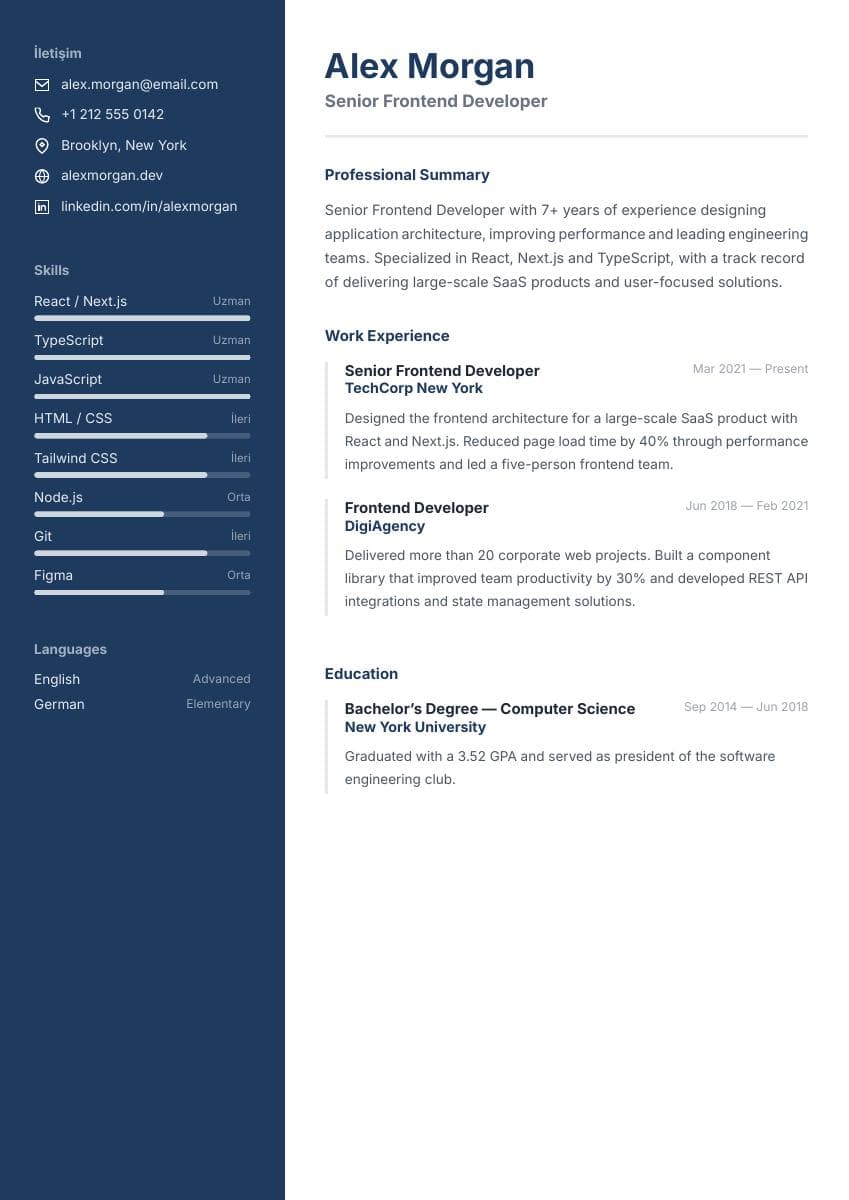
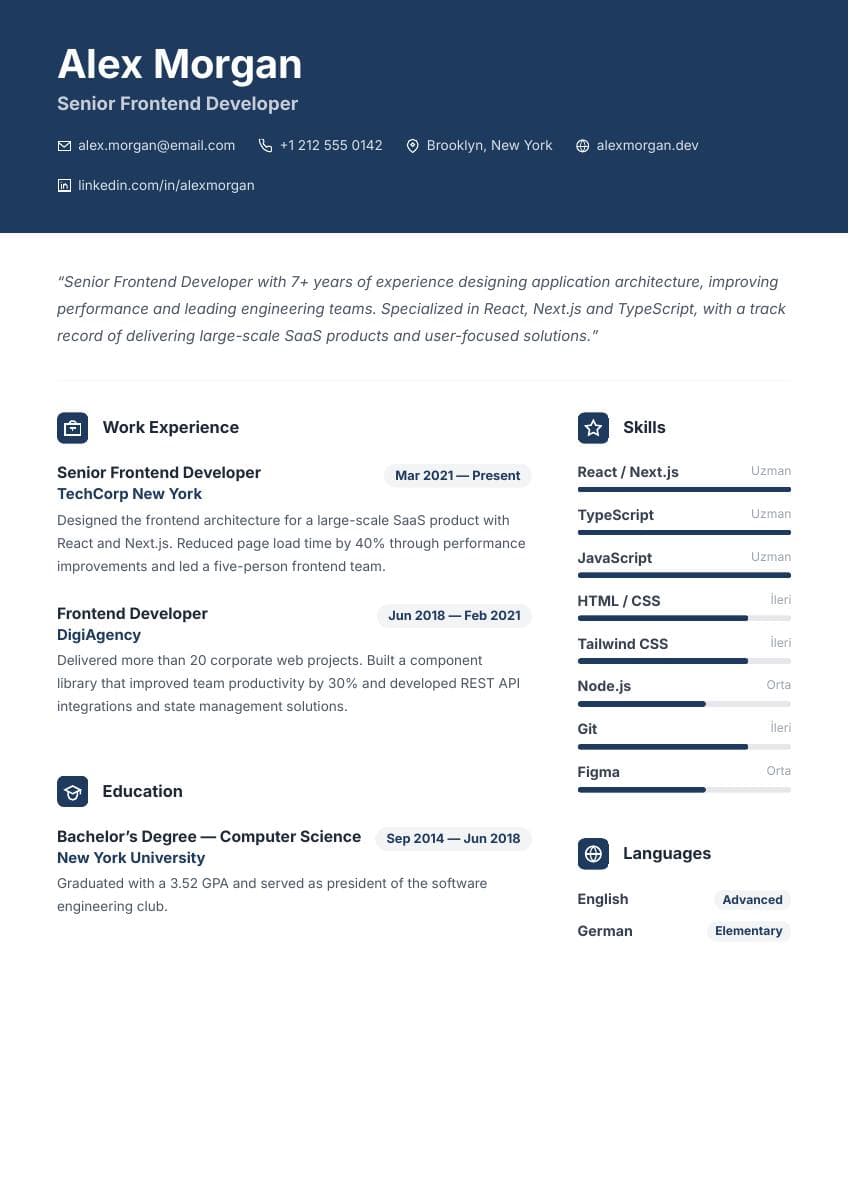
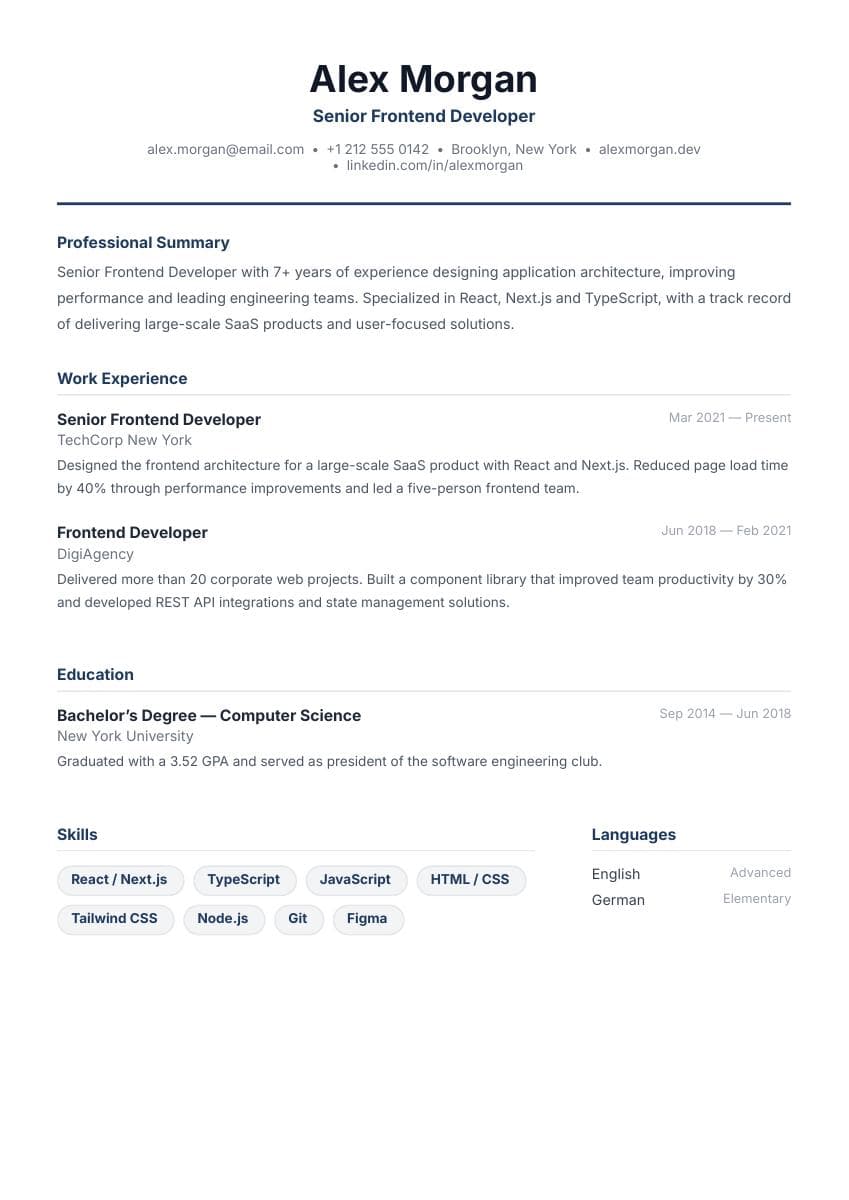
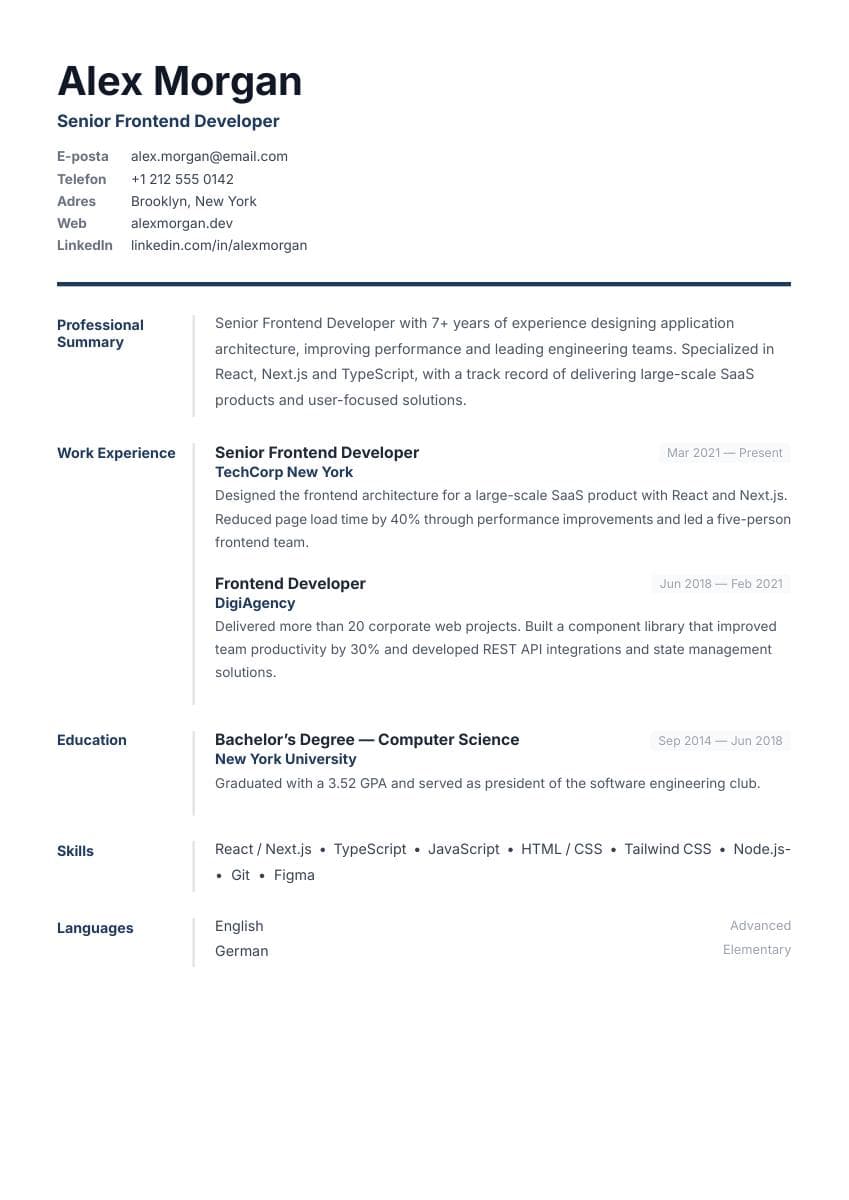
8 free templates
Choose your layout, add your details and download a free PDF.
Swipe or use the navigation buttons. When the gallery is focused, use the arrow keys, Home or End. Select a template to open the editor.
Every template is free. Make it yours.
Creating a professional resume has never been easier. Build an ATS-friendly resume quickly and completely free.
You will not hit a surprise payment screen when your resume is ready. No hidden subscriptions or unexpected charges.
Present your information in clear sections. Check the employer’s file requirements; identical results across ATS platforms are not guaranteed.
Build and download a PDF without an account. Your draft stays in your browser; resumes saved to your account and application versions are stored in the cloud.
Careerium Job Seekers
Discover candidates who are open to new opportunities and explore their experience and skills.
Swipe or use the navigation buttons. When the gallery is focused, use the arrow keys, Home or End.
Your application toolkit
Build and download a PDF as a guest. Sign in to use these tools and save resumes to your account.
Bring text from an existing resume into Careerium. Choose a text-based PDF or paste your resume text, then review recognized fields before applying them to your draft.
Explore the featureCompare recognized job skills with the wording in your resume. Review matched and missing keywords to tailor your application around your actual experience.
Explore the featureCreate a copy of your resume for a company or role. Store application versions in your account and reopen the resume you want to edit.
Explore the featureCreate a professional, ATS-friendly resume in three simple steps. No registration required.
Start by choosing a professionally designed template that fits your field.
Use the live preview to see every edit reflected instantly.
Save a high-quality, ATS-friendly PDF with one click and no hidden fees.
Choose a template, complete the sections relevant to you and check the live preview. Download your PDF for free when you are ready. The editor works without registration; account tools require sign-in.
Start with contact details, a short professional summary, experience, education and relevant skills. Describe what you did and the results you can support.
Read the resume writing guideUse course projects, internships, volunteering and student activities to show your contribution. You can leave work experience empty and highlight education and projects.
Explore student resume examplesChoose a layout that makes your experience easy to scan. For online applications, use clear section headings and check that you can select and copy the PDF text.
Compare free resume templates and featuresNeed details on data storage or how the tools work? Read how we work.
Careerium Job Seekers
Share your experience, skills and the role you’re looking for. Companies can discover your listing and send you a contact request. You choose who to connect with.
How do job-seeker listings work?Sign in to create a listing or explore candidates. Listings are published after review.
Everything you need to know before getting started.
Creating, editing and downloading a resume as a PDF is free. These actions do not require an account.
Resume import, job matching, resume versions and saving to your account require sign-in. Guests can build a resume and download a PDF.
Your editor draft is stored in your browser. Resumes saved to your account and application versions are stored in the cloud. PDF import extracts text in your browser; the file is not uploaded to a server for extraction.
No. The tool compares recognized skills and keywords in a job description with your resume. It does not predict a recruitment system’s decision or your chance of being hired. ATS platforms process documents differently; identical results across all systems are not guaranteed.
You can download a PDF. The import tool works with text-based PDFs and pasted resume text. It does not run OCR on scanned documents without a text layer. Review the extracted fields before applying them.
Open the Careerium editor, choose a template and add your contact details, education, experience and skills. Check the live preview and download your resume as a PDF. Creating and downloading a resume does not require an account.
No. You can download your Careerium resume as a watermark-free PDF at no cost. No credit card or subscription is required to download it.
Choose your template, describe your experience and download your resume for free.
Start Building Your Resume for FreeNo account or credit card required.
One step closer to
a new beginning.